
Async functions inside loops in JavaScript
/ 3 min read
The other day I was working on a database transaction in Drizzle ORM, and I needed to insert multiple records in a loop. Naturally, I reached for async-await inside the forEach block. Here’s a simplified version of what I wrote:
const app = await db.transaction(async (tx) => {  // Create app.  const [newApp] = await tx.insert(apps).values({    userId,    name,    description  }).returning();
  // Create preset actions for the given app type.  presetActions.forEach(async (presetAction) => {    // Create action.    const [newAction] = await tx.insert(actions).values({      appId: newApp.id,      name: presetAction.name,      description: presetAction.description    }).returning();    // Create the tool for this action.    await tx.insert(tools).values({      actionId: newAction.id,      apiUrl: presetAction.tool.apiUrl    });    // Create the widget for this action.    await tx.insert(widgets).values({      actionId: newAction.id,      type: presetAction.widget.type    });  });
// Return the new app. return newApp;});I expected that after the transaction block, all actions, tools, and widgets would be created for the new app. However, to my surprise, only the app and action were created. The tools and widgets were missing!
At first, I thought there was a bug in Drizzle ORM. A transaction is supposed be atomic: either all operations succeed, or none do. But here, I was being left with half-baked data.
Maybe the transaction was not handling nested inserts properly? Maybe an error was being thrown silently due to some data type or constraint violation? Or perhaps Drizzle didn’t rollback automatically and it was something I needed to handle manually using tx.rollback()?
After a bit for googling, I ruled out the last possibility. Drizzle is designed to handle rollbacks automatically on errors. Otherwise, what’s the point of using transactions?
So, as any self-respecting developer would do, I added logging statements and error handling to see what was going on. But everything seemed fine; no errors were thrown. I then configured debugging in VS Code and put breakpoints to step through the code. Still, no errors. It was voodoo magic.
After 30 mins of frutration and hair-pulling, I decided to take a step back and review the code logic itself. That’s when I realized my mistake.
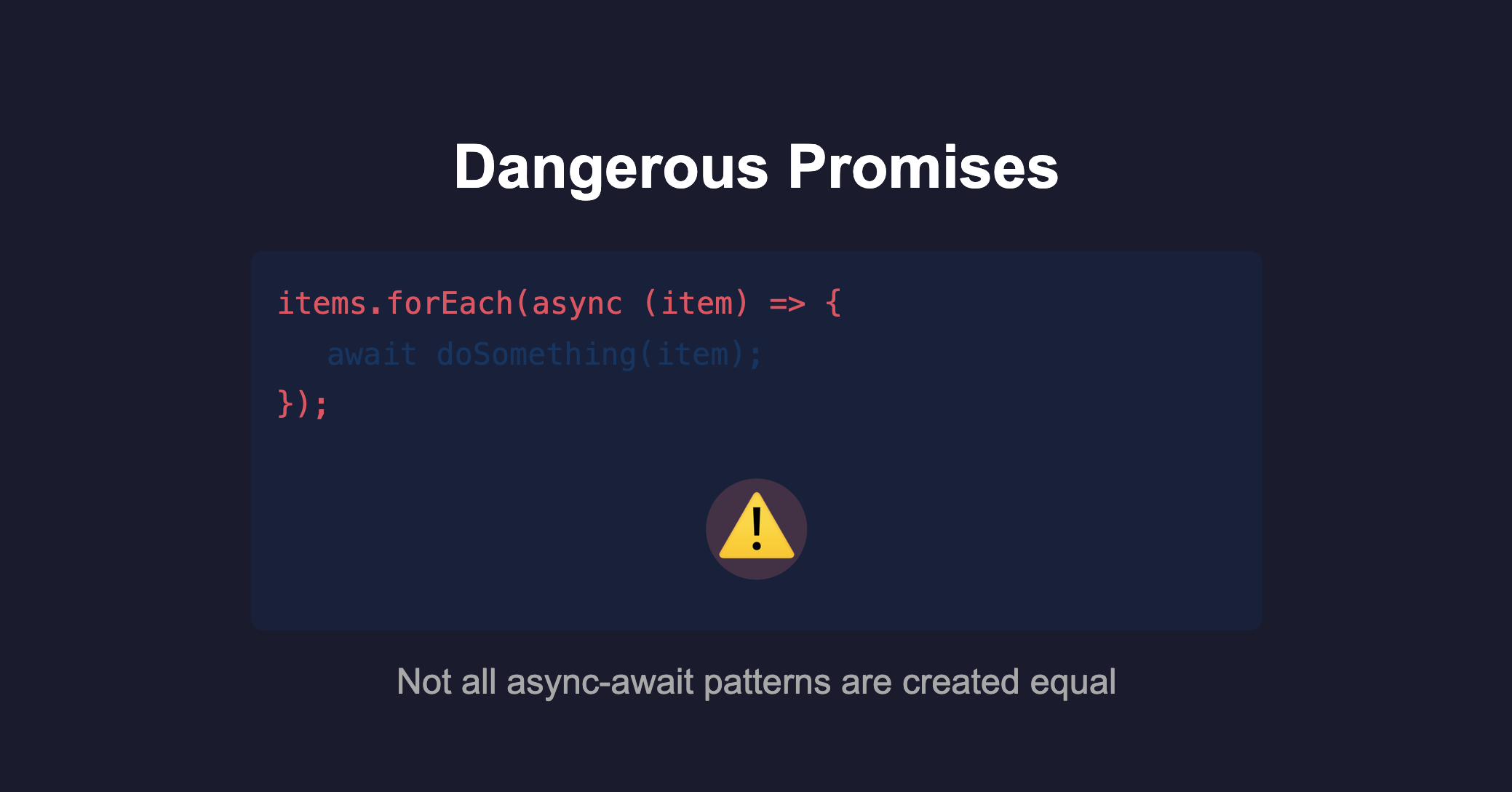
I realized that forEach was probably creating promises faster than they could be resolved! Using async-await inside forEach does not work as intended. The forEach method does not wait for the async callbacks to complete before moving on.
This means that the transaction could finish before the tool and widget insertions were done.
To fix this, I replaced forEach with a for...of loop, which properly handles await:
for (const presetAction of presetActions) { // Create action. // Create the tool for this action. // Create the widget for this action.}Alternatively, I could have used Promise.all with map to run the insertions in parallel:
await Promise.all(presetActions.map(async (presetAction) => { // Create action. // Create the tool for this action. // Create the widget for this action.}));Such simple fixes!
Guess what? It was not my first time falling into this trap. I had encountered this issue before but had forgotten about it. This time, the consequences were more severe because it involved database transactions.
Hence, this post is a reminder to myself and others: be cautious when using async-await inside loops, especially with forEach. Always ensure that your asynchronous operations are properly awaited to avoid unexpected behavior.
Until next time,
Cheers ✌️