
Auto-pause music on inactivity in macOS
/ 3 min read
This is probably the most esoteric post I’ve ever written, but I wanted to document it for my future self. It requires a bit of scripting, nothing too complicated.
When I’m working on my Mac, I often listen to music. However, I sometimes get distracted and leave my desk for a while, forgetting to pause the music. When I return, I find that the music has been playing for a long time without me listening to it.
To solve this problem, I decided to create a simple script that automatically pauses the music when I become inactive for a certain period of time. The biggest challenge was to figure out what inactive meant. The most perfect solution would probably use the webcam to detect if I’m present, but that seemed a bit overkill for my needs. Instead, I opted for a simpler approach: monitoring keyboard and mouse activity.
I found a command-line tool called sleepwatcher that can monitor system inactivity and execute commands based on that. Here’s how I set it up:
-
Install sleepwatcher: You can install it using Homebrew:
Terminal window brew install sleepwatcher -
Create a script to pause music: I created a simple ZSH script that uses the CLI AppleScript runner
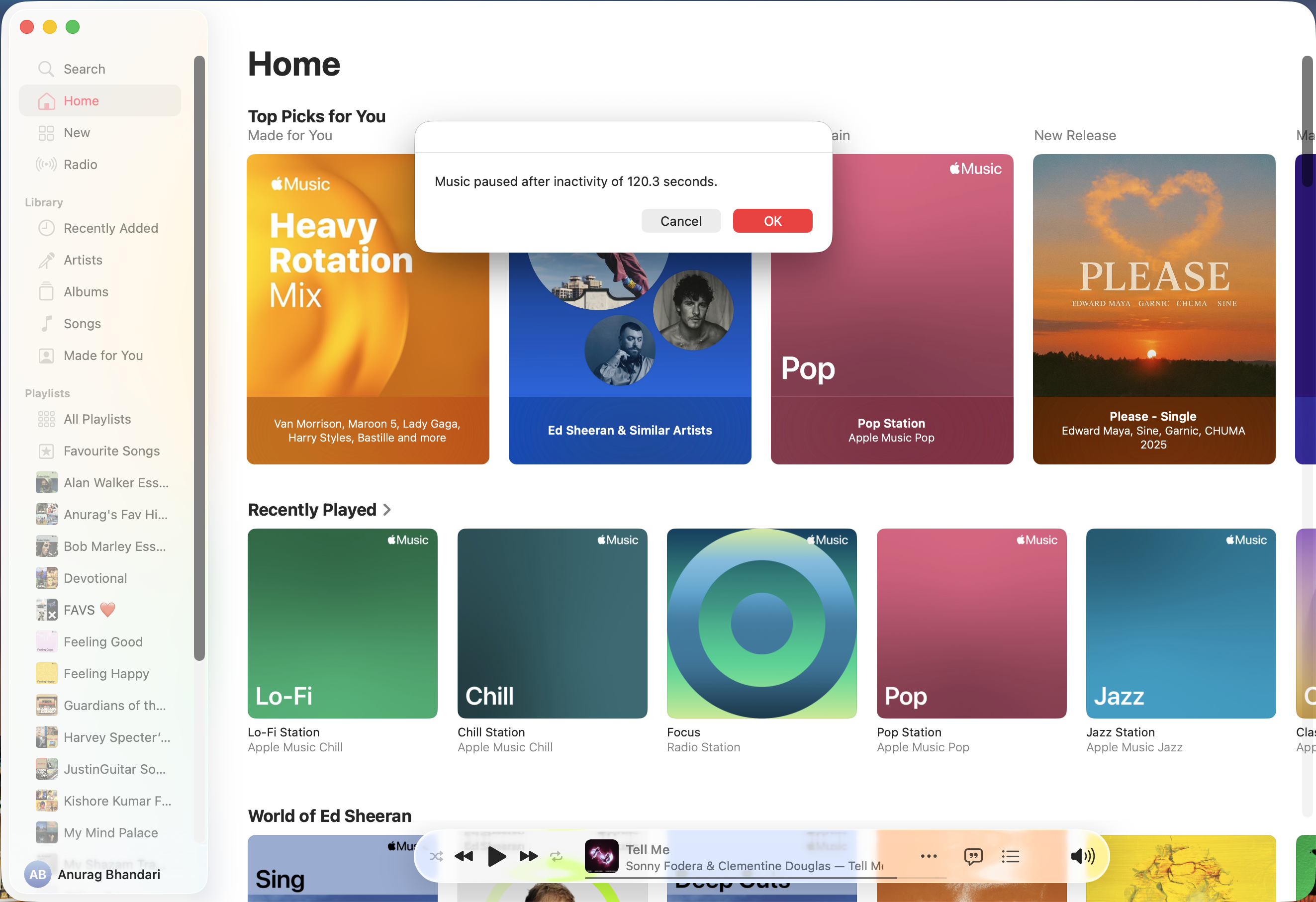
osascriptto pause the music in my preferred music app (e.g., Apple Music).#!/bin/zshosascript <<EOTtell application "Music"if (player state is playing) thenpauseset idleTimeStr to do shell script "sleepwatcher --getidletime"set idleTime to idleTimeStr as integerset idleTime to idleTime / 10display dialog "Music paused after inactivity of " & (idleTime as string) & " seconds."end ifend tellEOT
The script is pretty self-explanatory, thanks to AppleScript’s English-like syntax.
- It checks if the music is playing,
- pauses it if so,
- retrieves the idle time from
sleepwatcher, and - displays a dialog with the idle time in seconds.
-
Make the script executable:
Terminal window chmod +x ~/Scripts/pause_music.sh -
Configure sleepwatcher: I set up
sleepwatcherto run the script after a specified period of inactivity (e.g., 2 minutes). You can do this by either adding it to your launch agents or running it directly from the terminal. I found dealing with launch agents quite finicky and not worth my time. Running sleepwatcher as a daemon is way easier.Terminal window sleepwatcher -d --verbose --timeout 1200 --idle "~/Scripts/pause_music.sh"
-d runs it as a daemon (background process).
--timeout 1200 sets the inactivity period to 120 seconds (2 minutes). sleepwatcher uses 0.1 second units. Weird, I know.
--idle specifies the script to run when the system is idle.
If you ever want to stop sleepwatcher:
pkill sleepwatcherThat’s it!
Until next time,
Cheers ✌️